Edit photos by describing what you want
Remove unwanted people, erase distracting backgrounds, swap scenes, restyle outfits — just describe the change in plain English. No masks, no layers, no learning curve.
From 5 credits ($0.50) at low quality · up to 35 credits ($3.50) at high quality
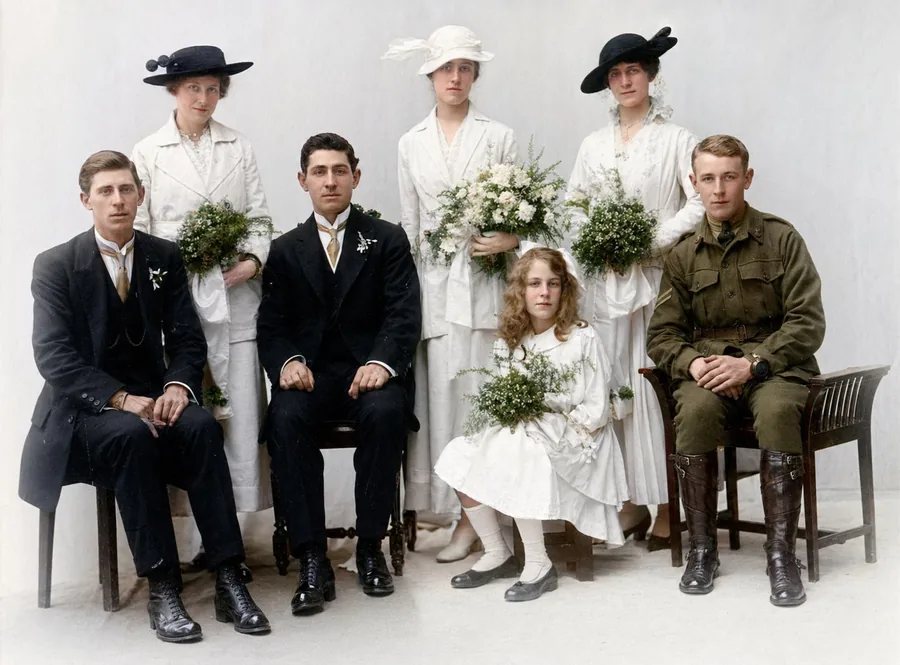
How it works
From upload to download in three simple steps.
1. Upload
Upload a JPG, PNG or WebP up to 10 MB. The clearer the original scan, the better the result.
2. AI processes
Our AI analyses your photo and applies the appropriate model. Most jobs finish in under a minute.
3. Download
Compare before / after, then download the high-resolution result. Your originals are never used to train AI models.
See the difference
Drag the slider to wipe between original and result.
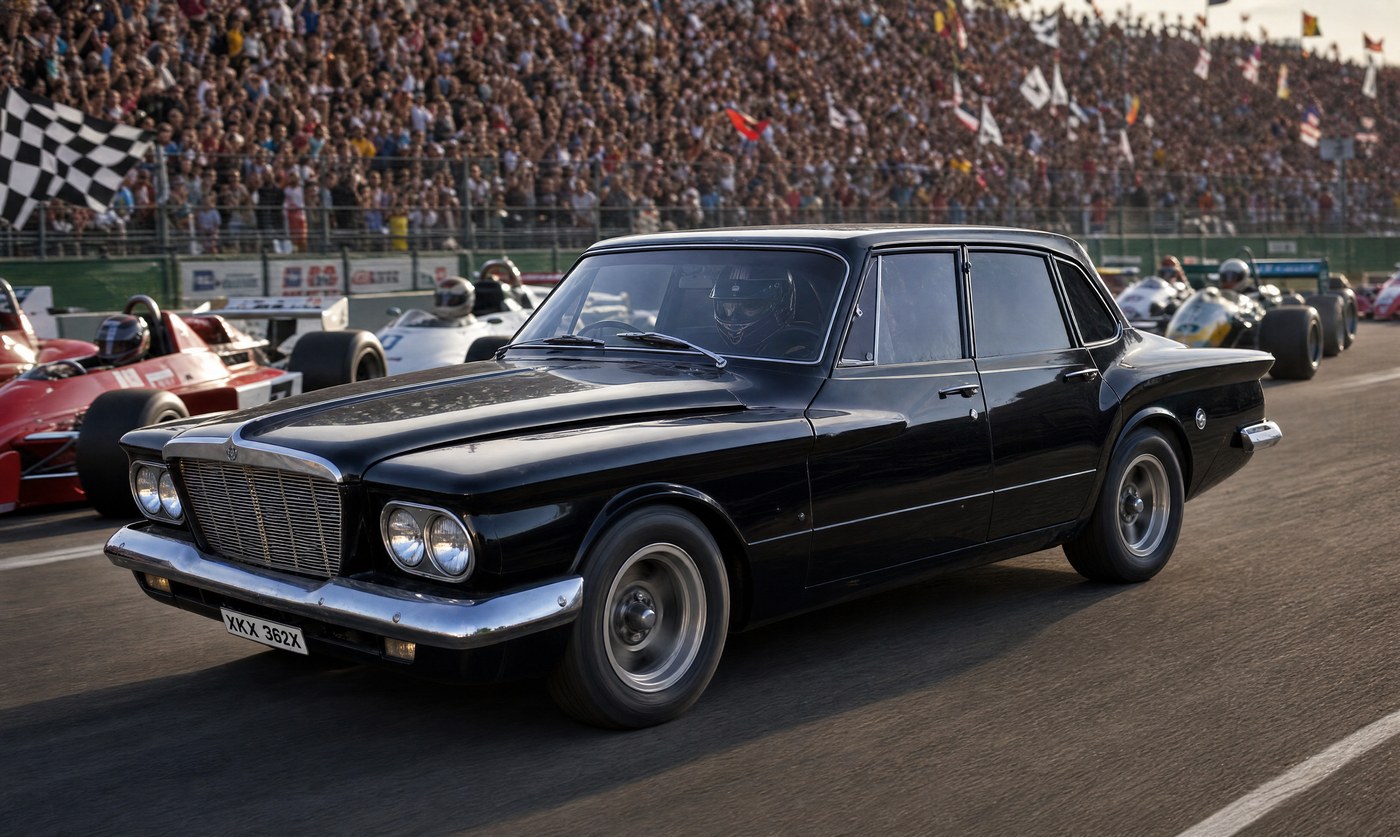
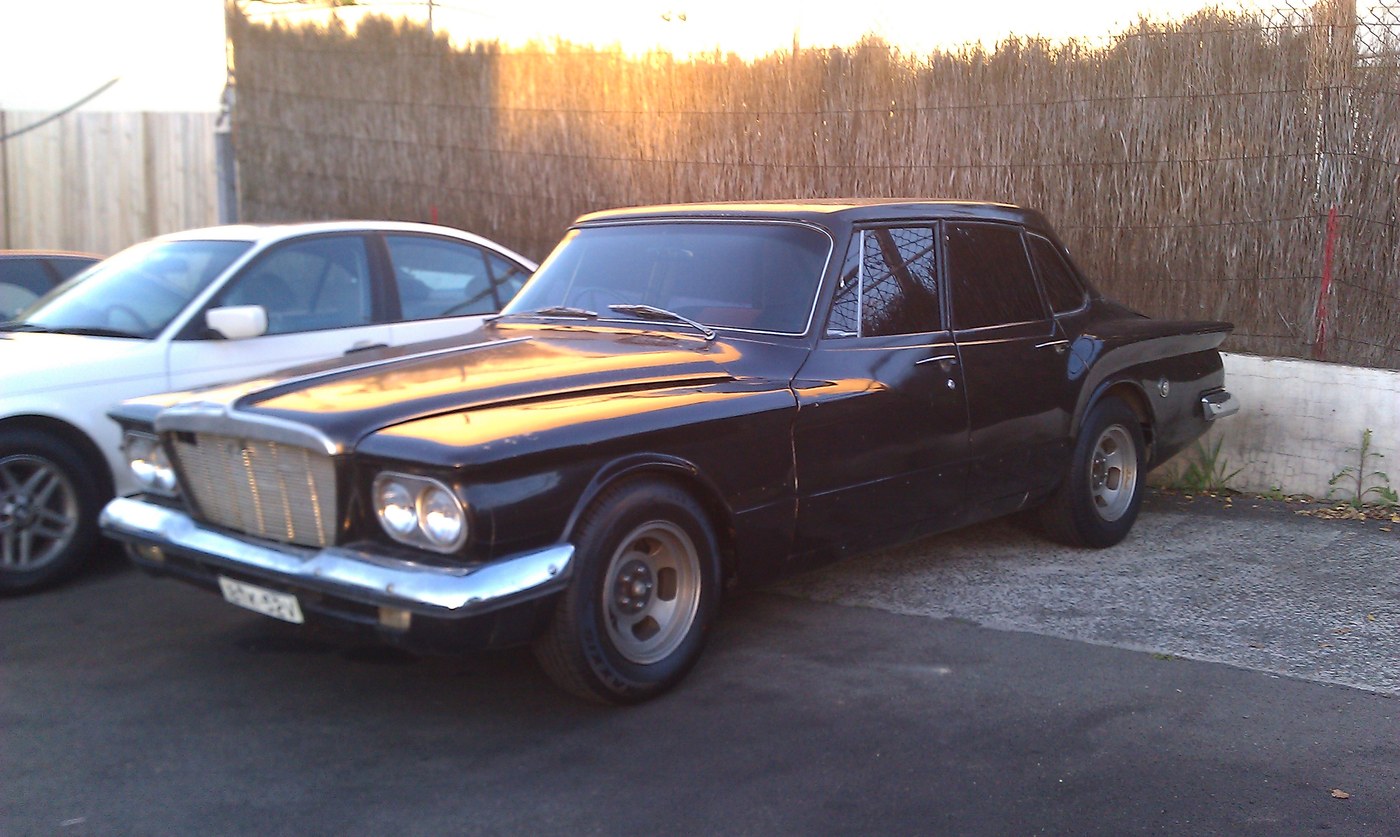
"Place this car at the F1 starting line with a packed grandstand"
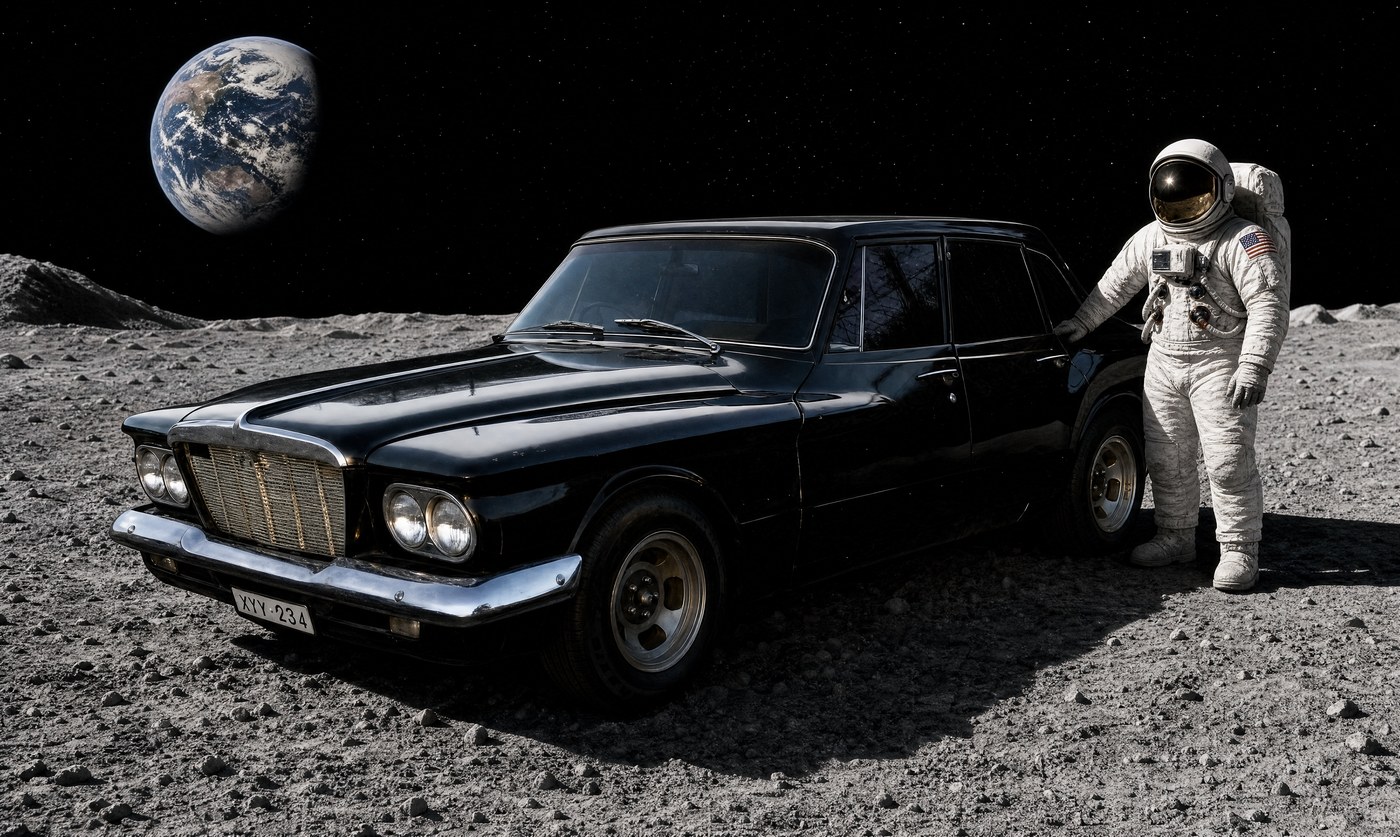
"Park the car on the moon with an astronaut leaning on it"
Photo editing without the learning curve
Traditional photo editors — Photoshop, Affinity, Pixelmator — are powerful but steep. To remove a person from a group photo you need to know about layers, masks, content-aware fill, and clone stamping. To change a background you need a clean cut-out before you can even start.
Photo Repair Lab's Image Modification tool is different. You describe what you want — "remove the person on the left", "replace the background with a beach at sunset", "make her dress blue instead of green" — and our AI does it. Built on our state-of-the-art image-editing engine with full quality control.
What you can do
Remove people: erase strangers from your holiday photos, exes from family pictures, or photo-bombers from group shots.
Remove objects: cars, signs, power lines, distractions in the background.
Change backgrounds: swap a busy street scene for a clean studio, or put a portrait in front of any landscape.
Restyle: change clothing colours, switch hairstyles, adjust mood and lighting.
Composite: combine elements from multiple photos with simple prompts.
Quality tiers
Choose the quality that matches your need: Low (5 credits) for quick experiments and social posts, Medium (15 credits) for everyday edits, High (35 credits) for print-ready output. You can always re-run at higher quality if the result is right but you need more resolution.
Frequently asked questions
Complete the project
Restoration is usually step one. Here’s what most people do next.