Make your photos come alive
A single still photograph becomes a 5–10 second cinematic clip. Gentle camera moves, breath, a smile, wind through hair. Perfect for memorial tributes, family slideshows, and social posts.
From 20 credits ($2.00) for a 5-second clip · 40 credits ($4.00) for 10-seconds
How it works
From upload to download in three simple steps.
1. Upload
Upload a JPG, PNG or WebP up to 10 MB. The clearer the original scan, the better the result.
2. AI processes
Our AI analyses your photo and applies the appropriate model. Most jobs finish in under a minute.
3. Download
Compare before / after, then download the high-resolution result. Your originals are never used to train AI models.
See the difference
Drag the slider to wipe between original and result.
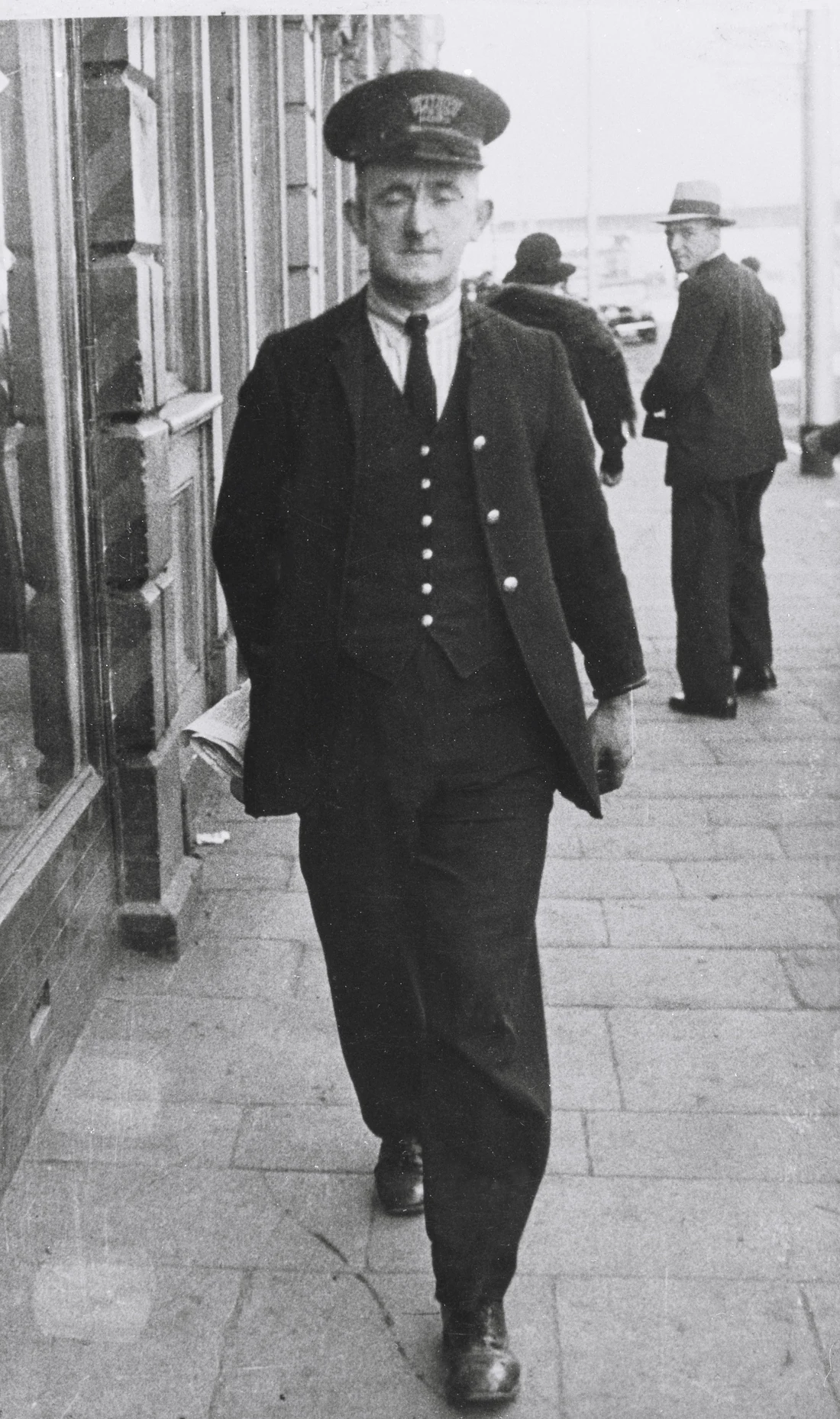
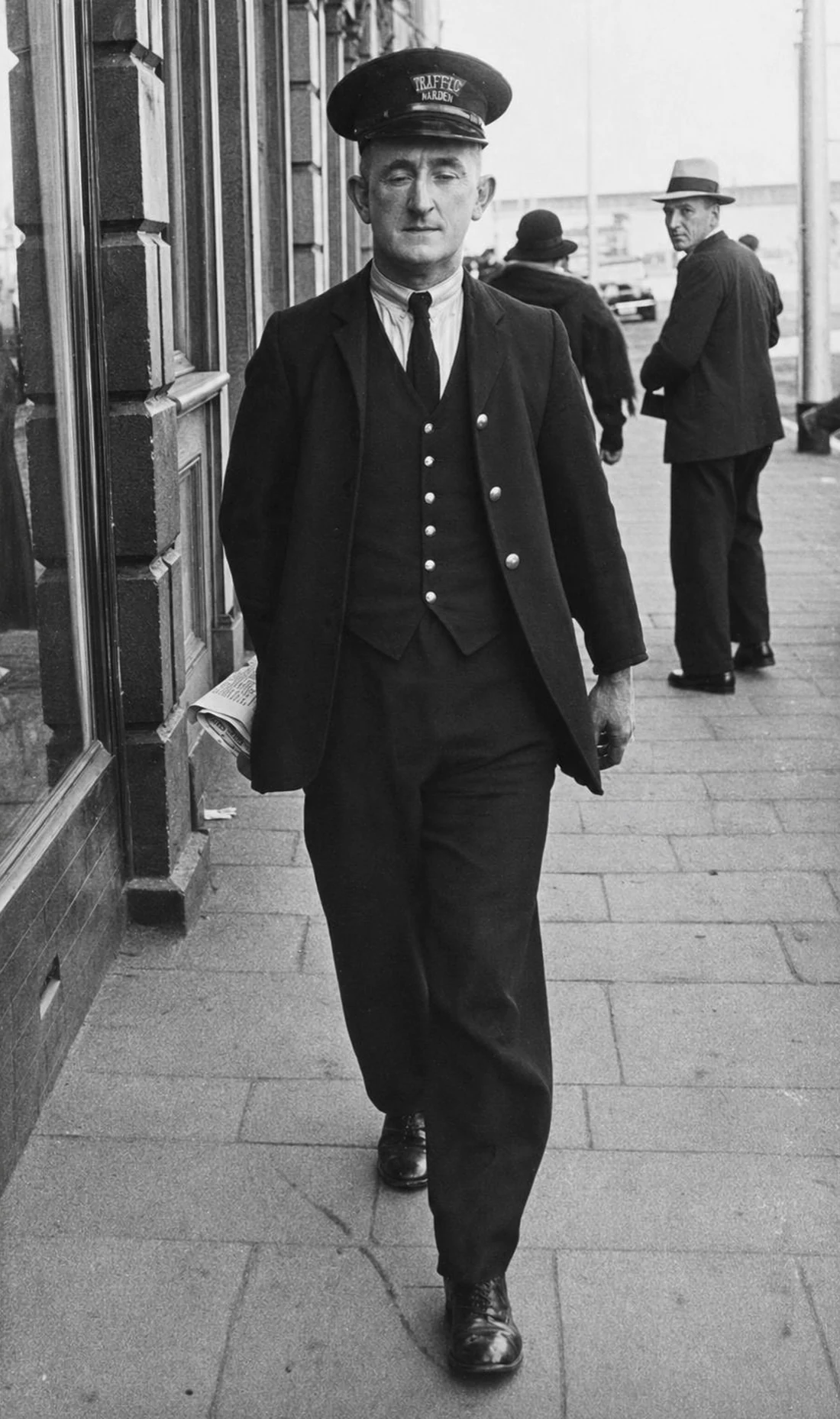
Damage repaired, ready to be brought to life
Now watch him walk
The restored still becomes a 10-second cinematic clip — natural gait, head turn, ambient depth.
10-second cinematic clip · 720p · generated by our motion AI
How AI photo animation works
Photos Alive is powered by our cinematic motion AI — a state-of-the-art video generation engine that turns a single still image into a believable, naturally-moving video clip. You upload a photograph, describe the motion you want in plain English ("she looks up and smiles"), and our AI generates a 5 or 10-second clip in 1080p.
Unlike older "Deep Nostalgia"-style face animations that only made the face move, Photos Alive can animate full scenes: subtle camera moves, hair stirring in a breeze, a person turning toward you, eyes meeting the camera. The result feels less like a special effect and more like a memory you forgot you had.
Most popular use cases
Memorial tributes — turning a single photo of a loved one into a moment of motion is profoundly affecting at funerals, anniversaries, and family gatherings. Many of our customers say it is the most powerful thing they have ever made for a service.
Family slideshows — a 30-second slideshow with five or six animated stills feels infinitely more emotional than a static carousel. Pair it with music for a complete tribute video.
Social media — animated photos perform far better than static images on Instagram Reels, TikTok, and Facebook. They are also a natural fit for "this day in history" content.
Heritage projects — bringing a great-great-grandparent's photograph to life is a powerful experience for genealogy enthusiasts and family historians.
Tips for the best results
Use a high-resolution photograph with clear faces. Single-subject portraits work best, followed by small group photos.
Describe the motion specifically. "She looks up and smiles" works better than "make her move".
Start with 5-second clips to test motion before committing to 10 seconds. You can always re-run with adjusted prompts — failed jobs are auto-refunded.
For older photos, restore them first before animating. A clean, sharp input always produces a more believable animated result.
Frequently asked questions
Complete the project
Restoration is usually step one. Here’s what most people do next.