Sharpen blurry photographs
Shaky-hand snapshots, soft-focus portraits, and the gentle blur of a scan made in a hurry — our AI rebuilds true sharpness rather than just over-sharpening edges.
From 10 credits ($1.00) per photo · 12-month validity
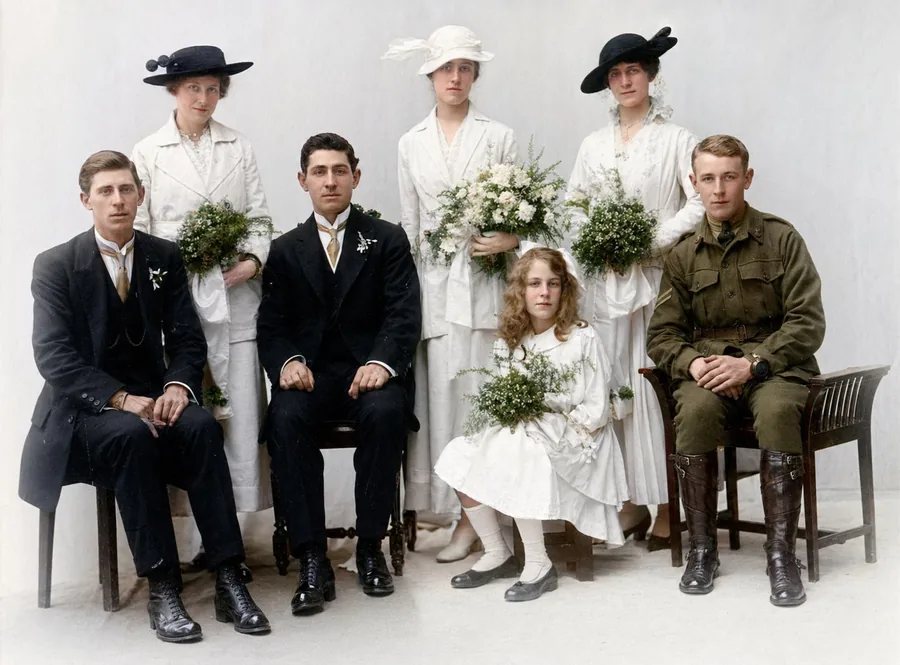
Some photos were blurry the day they were taken — a shaking hand, a running child, a box camera focused on the wrong thing. Others went soft through copying and small-format printing. Either way, modern AI can rebuild genuine sharpness rather than just boosting edge contrast the way old "sharpen" filters did: it reconstructs plausible detail in faces, eyes and textures from what the blur left behind. The difference on a treasured but fuzzy portrait is remarkable.
How it works
From upload to download in three simple steps.
1. Upload
Upload a JPG, PNG or WebP up to 10 MB. The clearer the original scan, the better the result.
2. AI processes
Our AI analyses your photo and applies the appropriate model. Most jobs finish in under a minute.
3. Download
Compare before / after, then download the high-resolution result. Your originals are never used to train AI models.
See the difference
A faded family scan repaired and colourised by Photo Repair Lab — no slider tricks, just the real result.
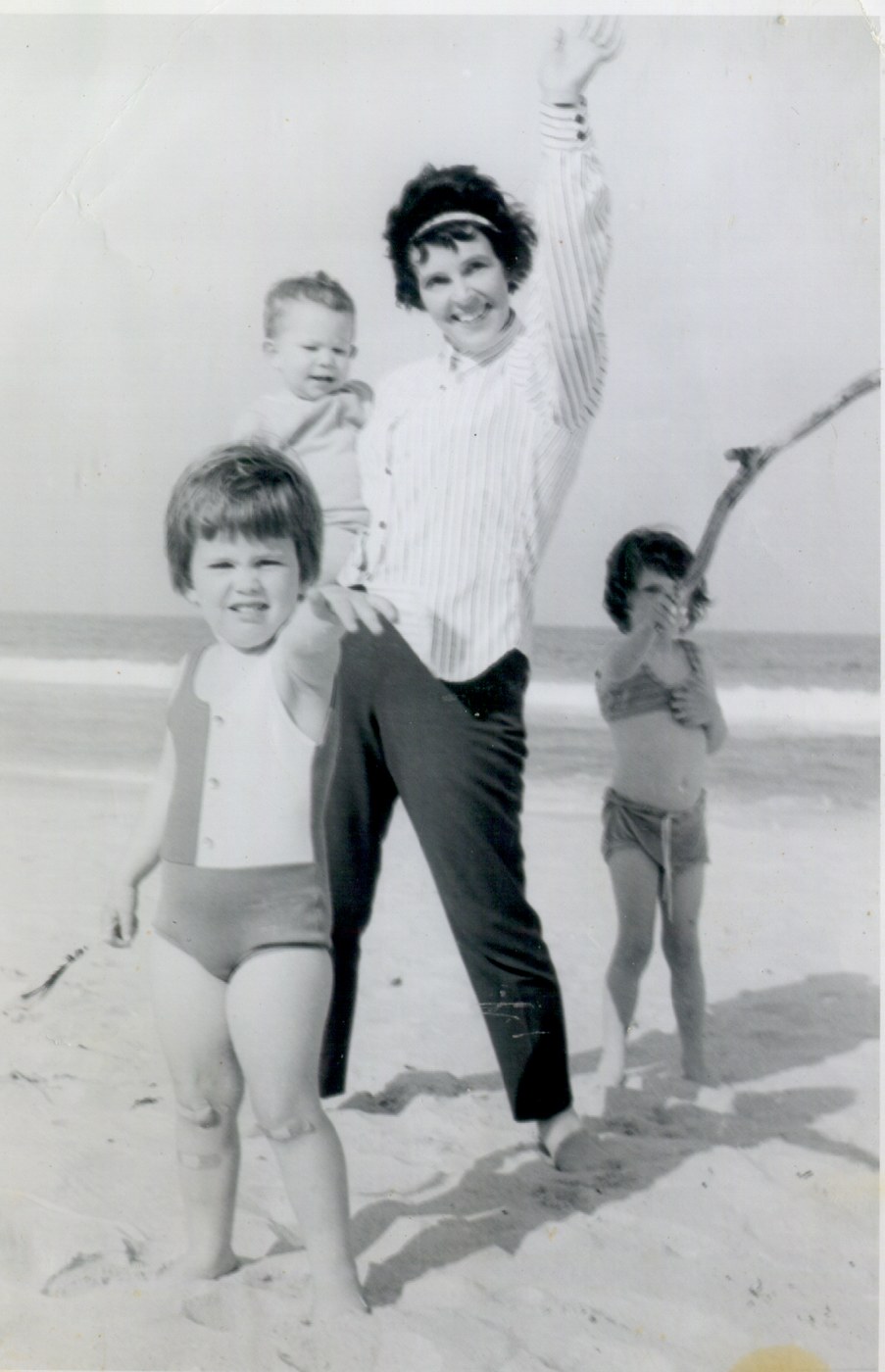 Original
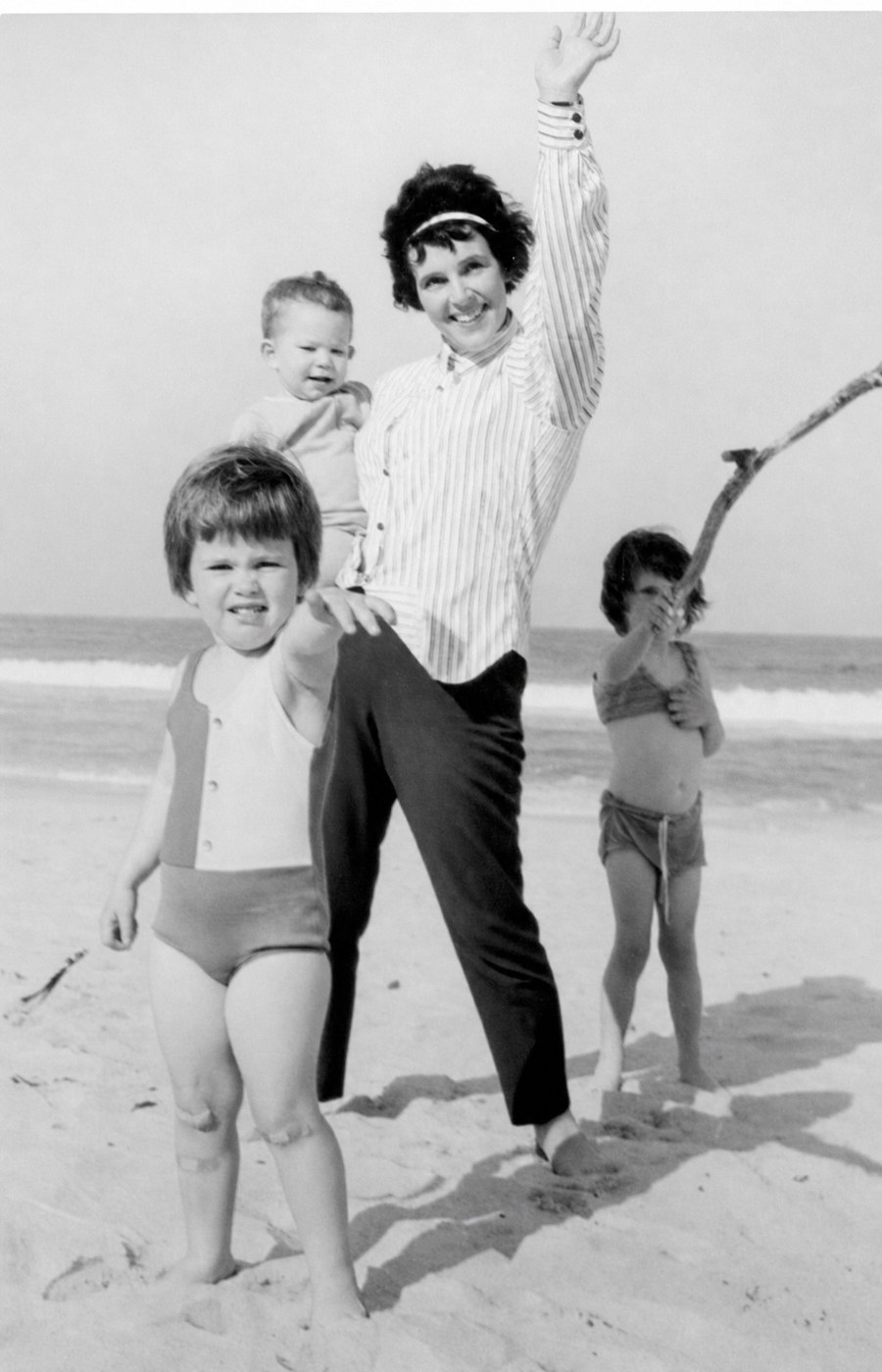 Restored
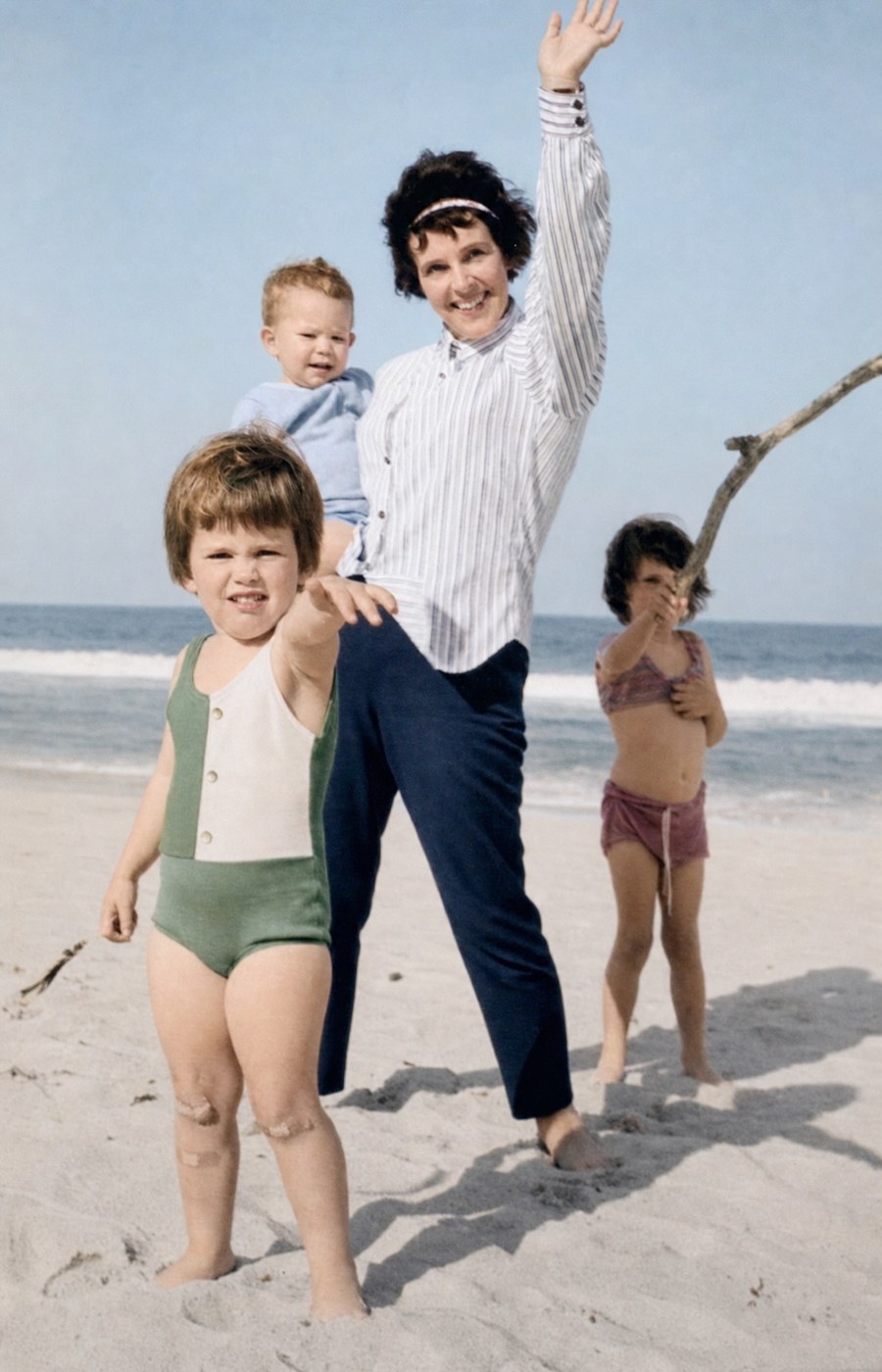 Restored & Colourised
Real sharpening vs fake sharpening
Most "unblur" tools simply boost edge contrast — the photograph still has no real detail, just exaggerated halos. Our AI is different: it reconstructs plausible detail in the soft areas using the same kind of generative model that powers our restoration pipeline. The result is a photograph that looks naturally sharp, not artificially crunchy.
There are limits. If the original is so blurred you can't tell a face from a hand, the AI will invent detail that may not match reality. For mild to moderate blur — the typical case for old prints and shaky family snapshots — results are very good.
Motion blur, focus blur, and scan blur
Motion blur (subject or camera moved during exposure) is the hardest case and benefits most from Comprehensive Restoration. Focus blur (camera missed focus) and scan blur (the scanner softened a sharp original) both respond extremely well to Standard Restoration paired with 2× or 4× Upscale. If you're unsure, start with Conservative Restoration and step up if needed.
Frequently asked questions
You might also need
Complete the project
Restoration is usually step one. Here’s what most people do next.