Photo restoration for Los Angeles
Restore old, faded, and damaged photographs from your Los Angeles family archive. 100% online — scan or photograph your prints, upload, and download the result. No shipping, no waiting weeks for a local studio.
From 10 credits ($1.00) per photo · 12-month validity
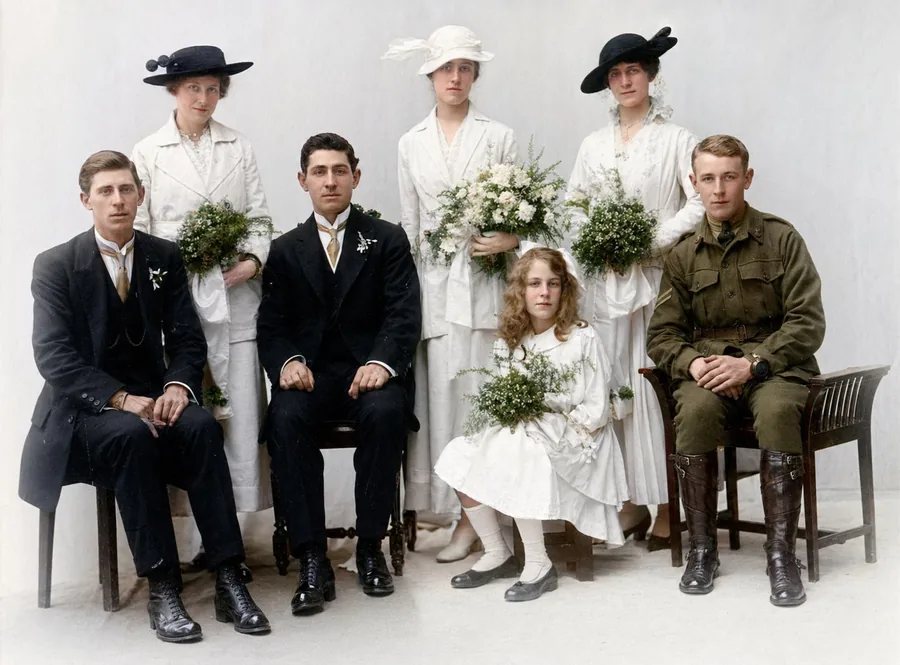
Los Angeles photographs live hard lives: relentless sunlight fades anything framed, dry heat cracks emulsion, and family archives get thinned by every move across the city. Whether it's a studio-era portrait of a grandparent or Kodachrome prints from a Valley childhood, the restoration now happens online — scan, upload, and our AI returns a repaired, print-ready file in about a minute for roughly a dollar per photo.
How it works
From upload to download in three simple steps.
1. Upload
Upload a JPG, PNG or WebP up to 10 MB. The clearer the original scan, the better the result.
2. AI processes
Our AI analyses your photo and applies the appropriate model. Most jobs finish in under a minute.
3. Download
Compare before / after, then download the high-resolution result. Your originals are never used to train AI models.
See the difference
A faded family scan repaired and colourised by Photo Repair Lab — no slider tricks, just the real result.
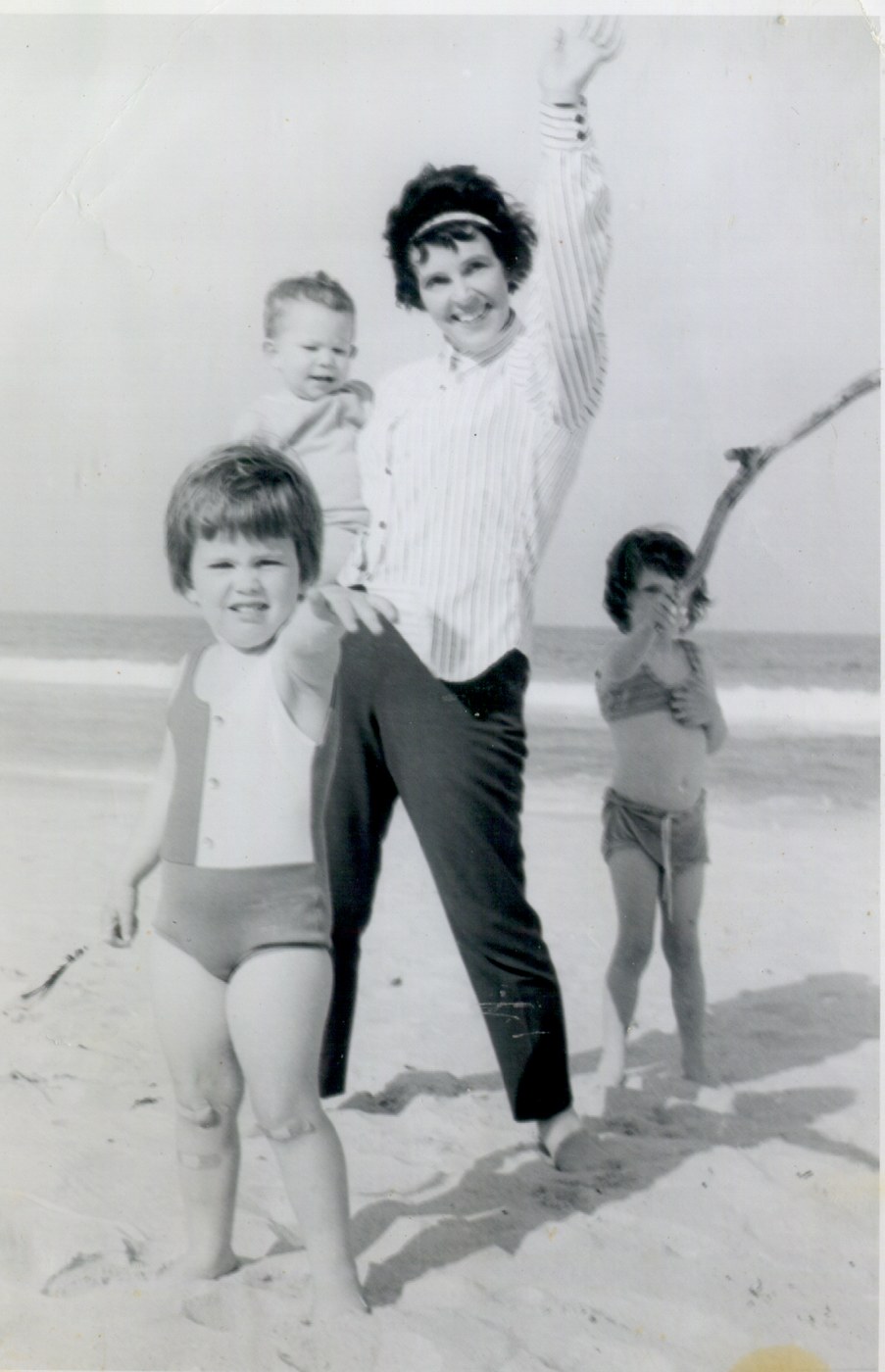 Original
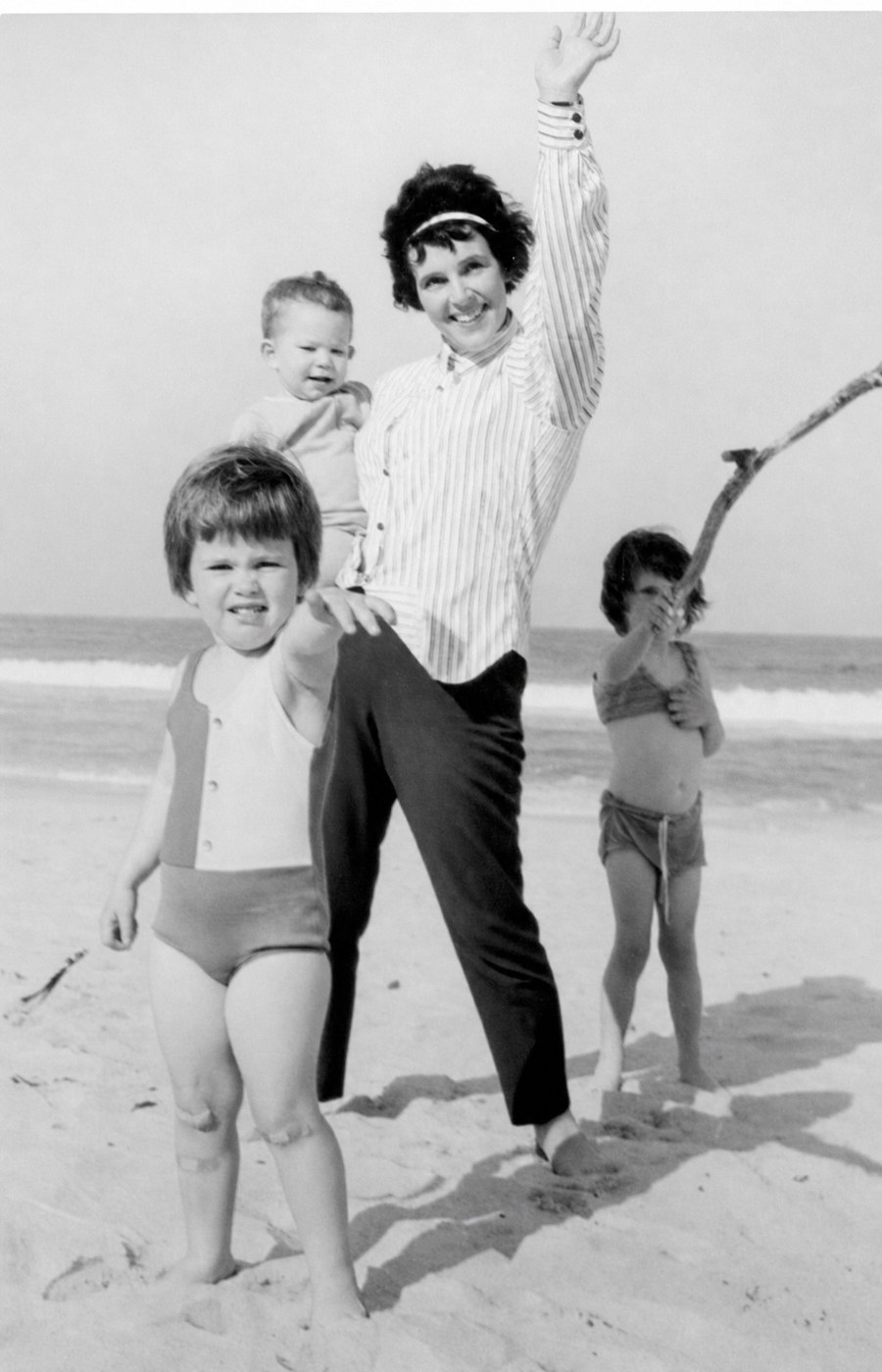 Restored
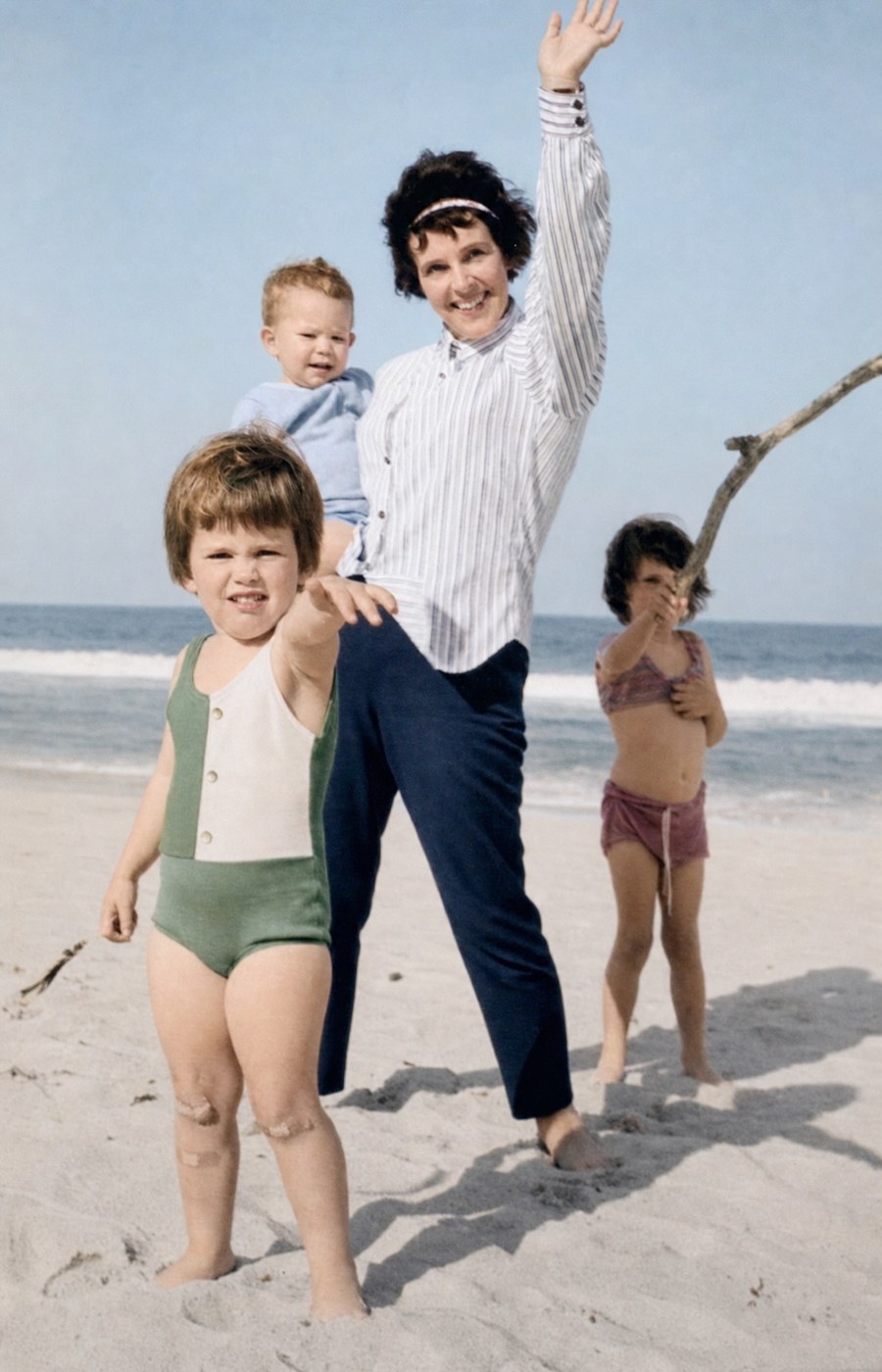 Restored & Colourised
Los Angeles photo restoration — without the studio wait
Photo restoration in Los Angeles historically meant taking your damaged photographs to a specialist studio, waiting two to four weeks, and paying $50–$200 per print. Photo Repair Lab brings the same quality of restoration to your laptop or phone, in under sixty seconds, for $1 per photo. The originals never leave your home and are never used to train AI.
Los Angeles' Southern California climate is mostly kind to photographs, but smog, sun exposure, and earthquake-prone storage conditions create their own restoration challenges. Our AI handles surface contamination and sun-fade in a single pass.
Scan, upload, download — that is the entire workflow
Scan your photographs at 600 DPI in colour mode (or use a smartphone in flat, even light), upload to Photo Repair Lab, choose Standard, Conservative, or Comprehensive Restoration, and download the result. We accept JPG, PNG, and WebP files up to 10 MB. Prices are shown in USD — no conversion required.
Frequently asked questions
You might also need
Complete the project
Restoration is usually step one. Here’s what most people do next.