Revive your faded photographs
Sun damage, age, and acidic album pages drain photographs of contrast and colour. Our AI rebuilds the original tonality in one click.
From 10 credits ($1.00) per photo · 12-month validity
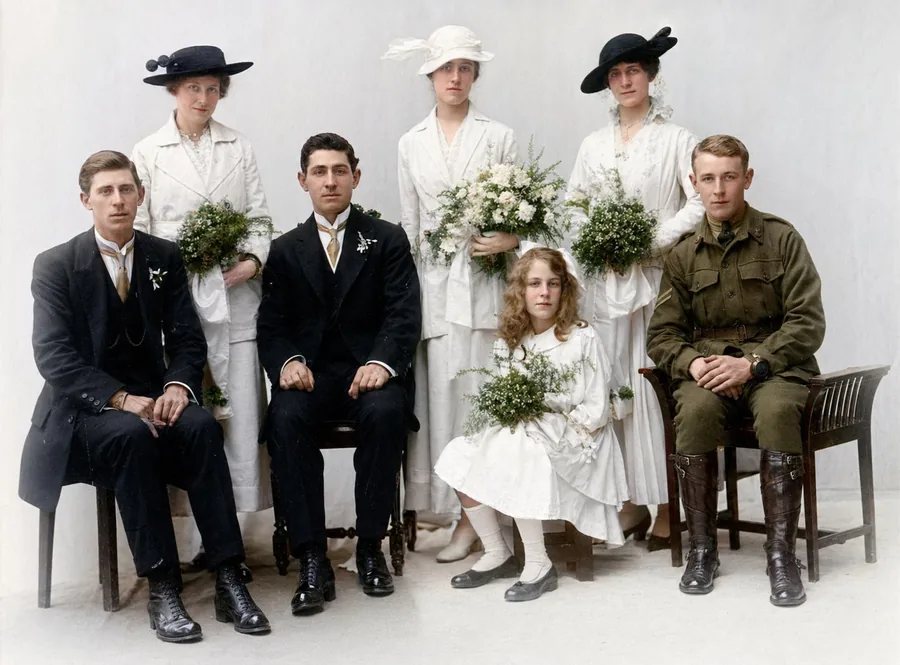
Fading is the quiet damage: no single event, just decades of light and oxygen slowly draining the contrast until faces dissolve into cream-coloured paper. Because the image information is still there — only compressed into a narrow tonal range — faded photos respond spectacularly to AI restoration. The model stretches the tones back to their original depth and re-anchors detail in the highlights, turning a ghost of a photo back into the photo.
How it works
From upload to download in three simple steps.
1. Upload
Upload a JPG, PNG or WebP up to 10 MB. The clearer the original scan, the better the result.
2. AI processes
Our AI analyses your photo and applies the appropriate model. Most jobs finish in under a minute.
3. Download
Compare before / after, then download the high-resolution result. Your originals are never used to train AI models.
See the difference
A faded family scan repaired and colourised by Photo Repair Lab — no slider tricks, just the real result.
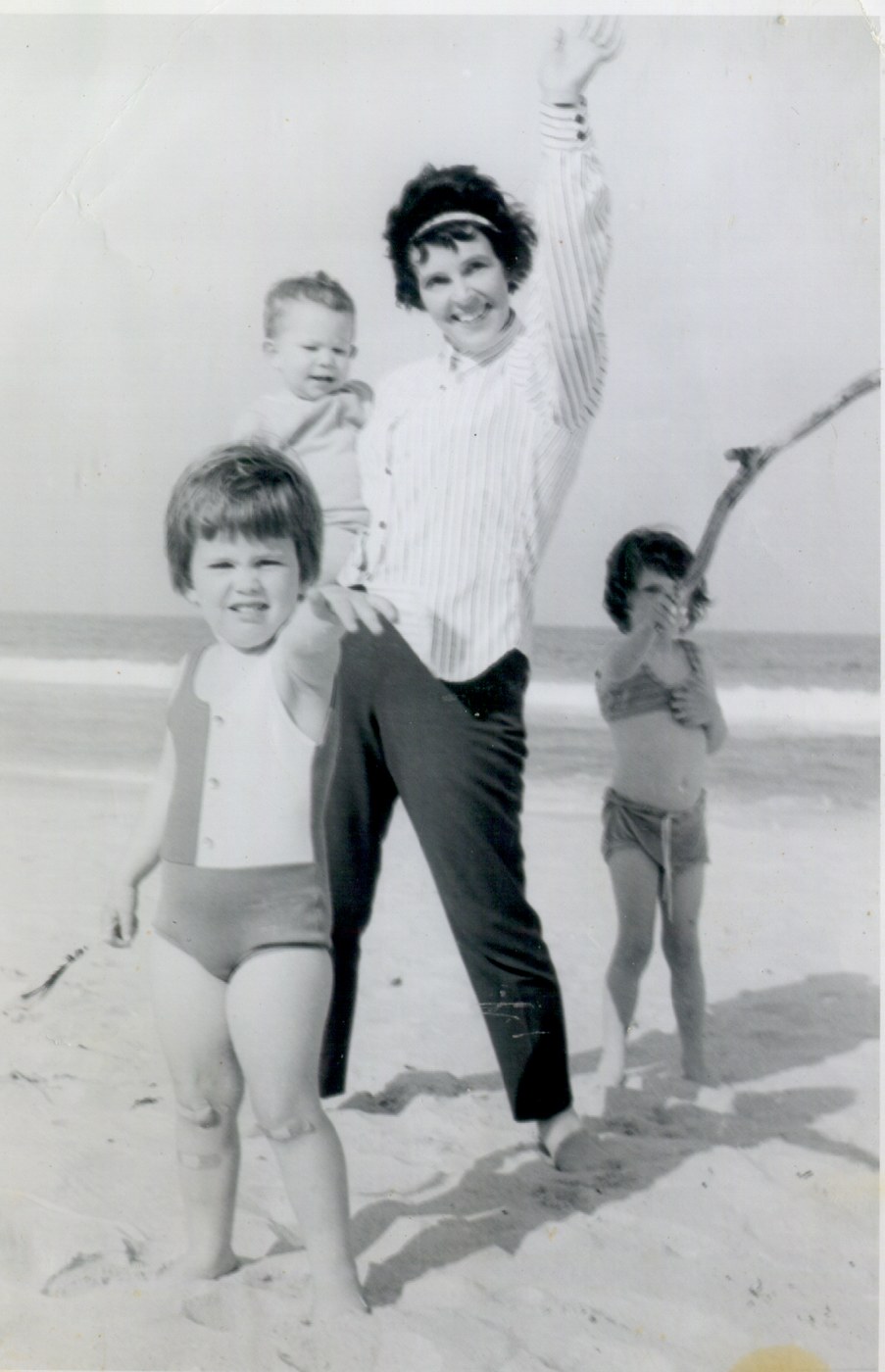 Original
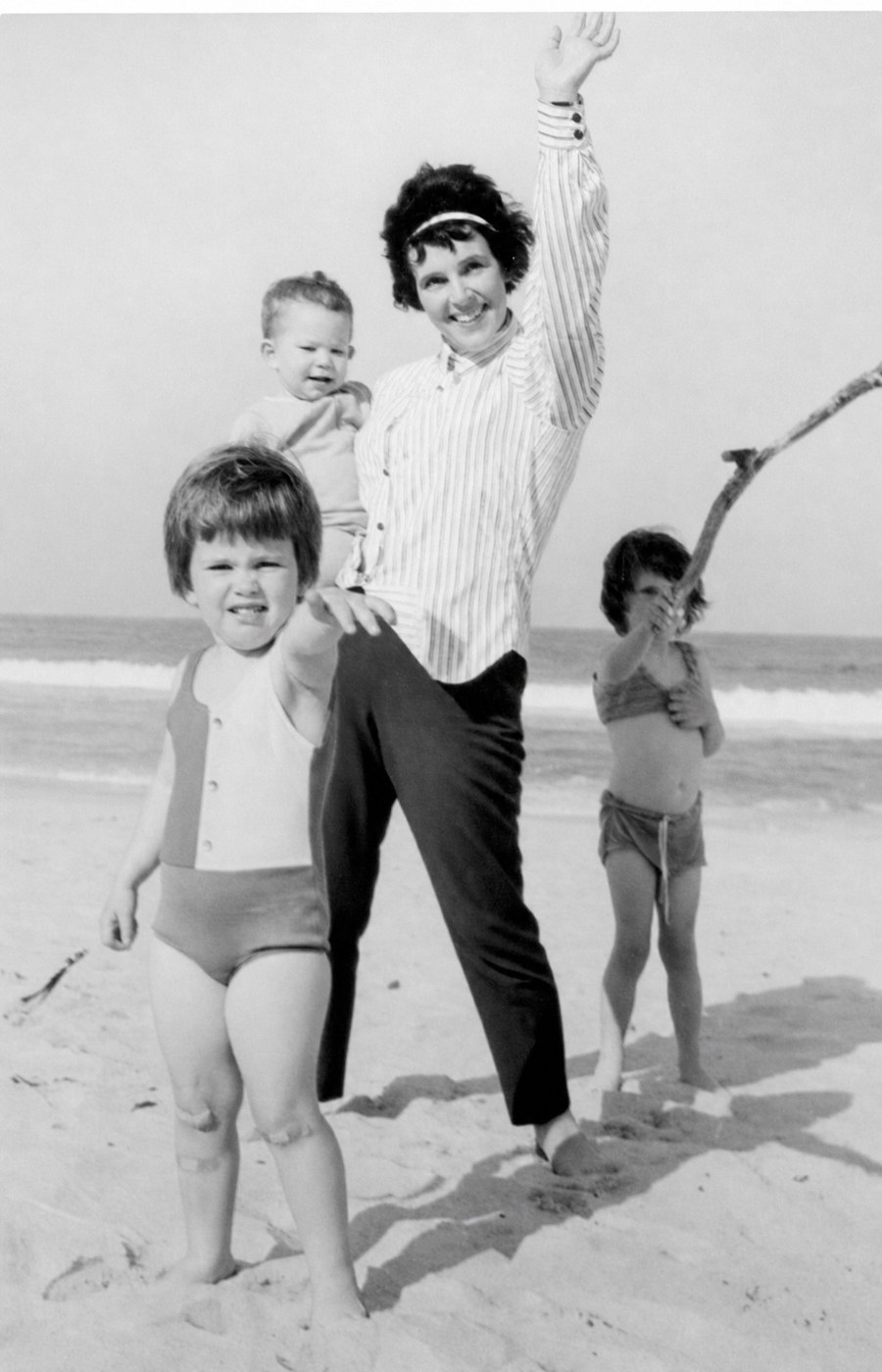 Restored
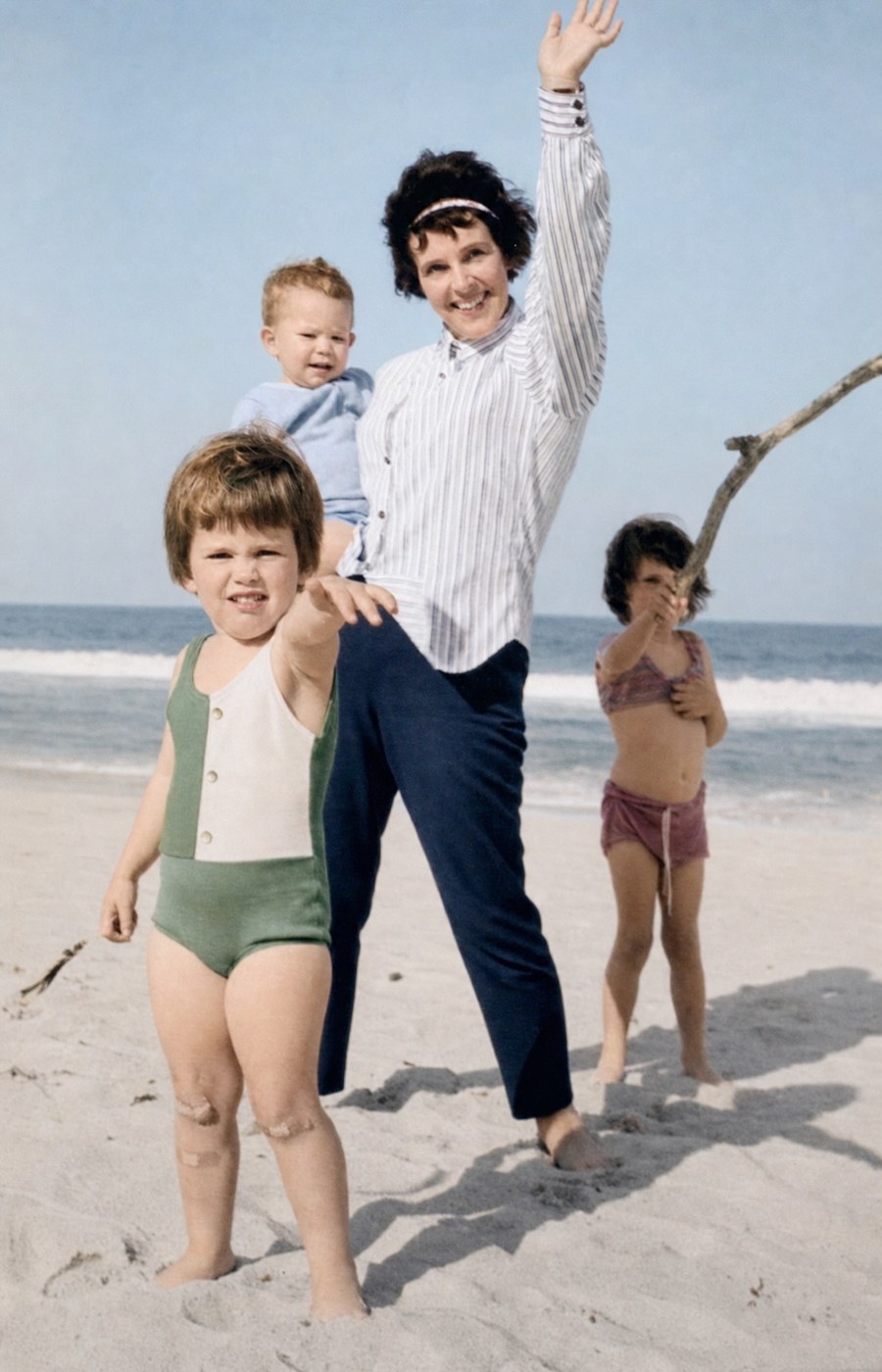 Restored & Colourised
Fading is a tonal problem, not a colour problem
Most faded photographs are not actually missing colour — they are missing contrast. Sunlight and acidic paper degrade the silver and dye layers in a print, compressing the tonal range so that everything ends up as a narrow band of pale tones. Aggressive auto-contrast tools "fix" this by stretching the histogram, but the result usually looks crunchy and over-saturated.
Our AI takes a more sophisticated approach: it reconstructs what the original tonal range likely was, based on the type of photograph and the kind of damage. The result is a print that looks like it was originally meant to look, not a contrast-boosted facsimile.
Colour photos vs black-and-white fading
Black-and-white prints typically fade by yellowing and losing contrast — both straightforward to reverse. Colour prints (especially 1960s–1980s C-prints) often lose one colour layer first (typically cyan), giving the print a strong magenta or pink cast. The AI separates the damage layers and rebalances them individually, recovering a natural colour balance from even severely shifted originals.
Frequently asked questions
You might also need
Complete the project
Restoration is usually step one. Here’s what most people do next.